
1
Fast WinWin login in Kenya
Sign in on the website or the mobile app in seconds. Enter your email or phone and password. You can log in any time after registration and verification.
Your information stays protected by encryption and optional two-factor authentication. After sign in, you can bet on sports, play casino games, view bonuses, and manage deposits and withdrawals.
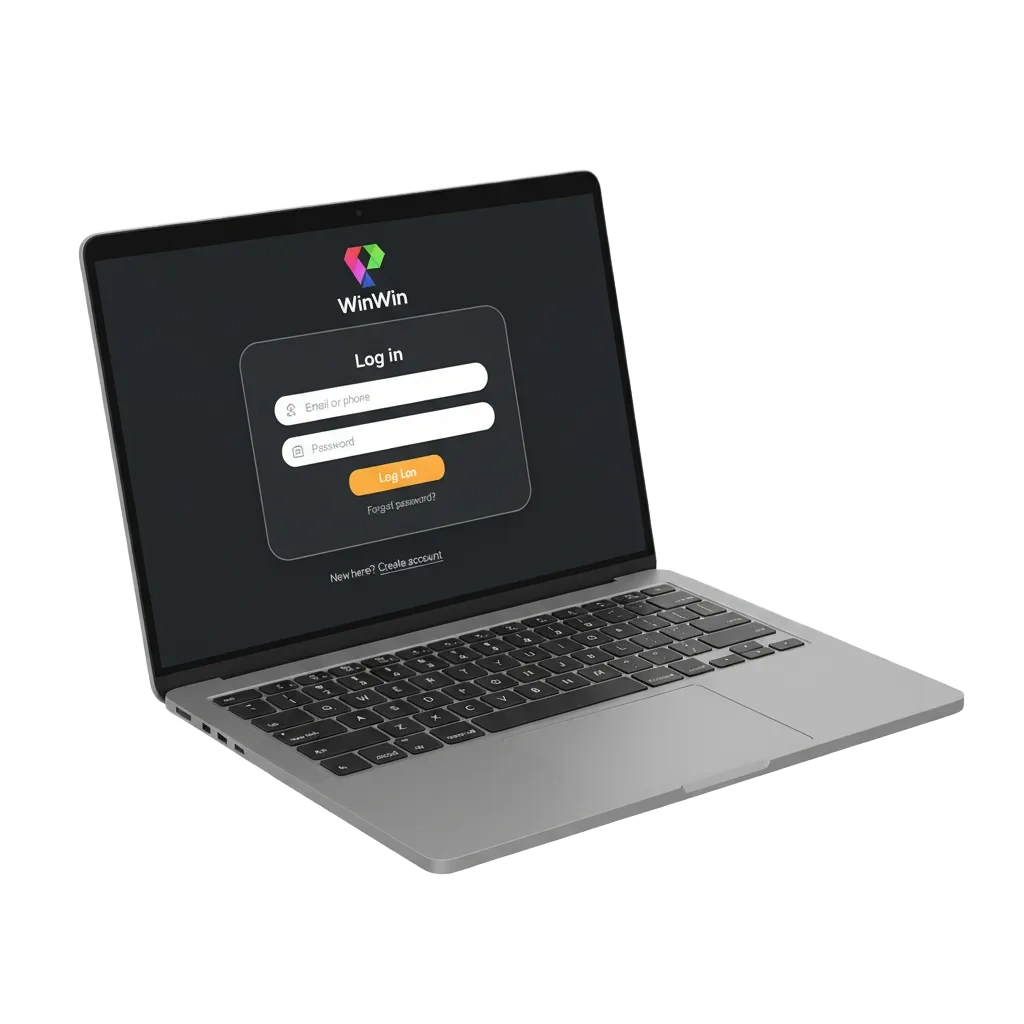
Account login options for Kenya
You can use WinWin official website login or the mobile app. Choose the method that fits your device.
Available methods: Email and password, Phone number and password, User ID and password, Biometrics on supported app (Face ID or Touch ID).
Email login
- Go to the login screen on the site or app.
- Enter your email address and password.
- Complete two-factor authentication if you enabled it.
- Tap Sign In.
Login on the app in Kenya
The mobile app gives you the same account access as the site, plus quicker biometrics. Use it for WinWin log in on the go.
2
Open the app and tap Login.
3
Enter email or phone and your password, or use Face ID or Touch ID if enabled.
4
Enter the two-factor code if prompted.
5
Tap Sign In to reach your account and betting screen.
Login problems and quick solutions
Here are common issues and the fixes you can try.
| Problem | Solution |
|---|---|
| Wrong password | Use Forgot Password, check Caps Lock, and try again. |
| No two-factor code arrives | Check SMS or email spam, request a new code, confirm your number or email, and turn off Do Not Disturb. |
| Account locked after failed attempts | Wait a few minutes, reset your password, then try again. If needed, contact support via chat or email from your profile. |
| Verification pending | Open your profile, finish KYC, upload clear ID and selfie, then wait 5 to 15 minutes. |
| Page not loading or error on the site | Test your internet, refresh, clear cache, try another browser or device, and use the official site URL. |
Reset a forgotten password
You can reset your password in a few steps. The process is secure and quick.
1
Click Forgot Password on the login page.
2
Choose email or SMS reset, then enter your email address or phone number.
3
Enter the code you receive and set a new password.
4
Log in and consider turning on two-factor authentication in Security settings.
FAQ
Can you stay signed in on more than one device?
Yes, but for security you may be asked to confirm a code. You can review active sessions in your profile.
How do you enable two-factor authentication?
Go to Profile > Security, turn it on, then verify via email or SMS as guided.
Does the site remember your device?
Tick Keep me signed in on private devices only. Avoid this on shared computers.
How do you change the email or phone used to sign in?
Open Profile > Personal information, update your details, then confirm via the code you receive.
Is there a browser option if you cannot install the app?
Add the site to your home screen to use the PWA. You still get the same WinWin sign in experience.
Updated: